
Getting Google AdSense approval isn’t always easy. Many new bloggers think that simply writing a few posts and getting some traffic is enough, but that is a common misconception. I know this because I faced the exact same problem.
In this post, I am going to share my real, personal experience of finally securing AdSense approval after facing multiple, frustrating rejections. If you follow these exact steps carefully, you can dramatically increase your chances of approval—up to 90%.
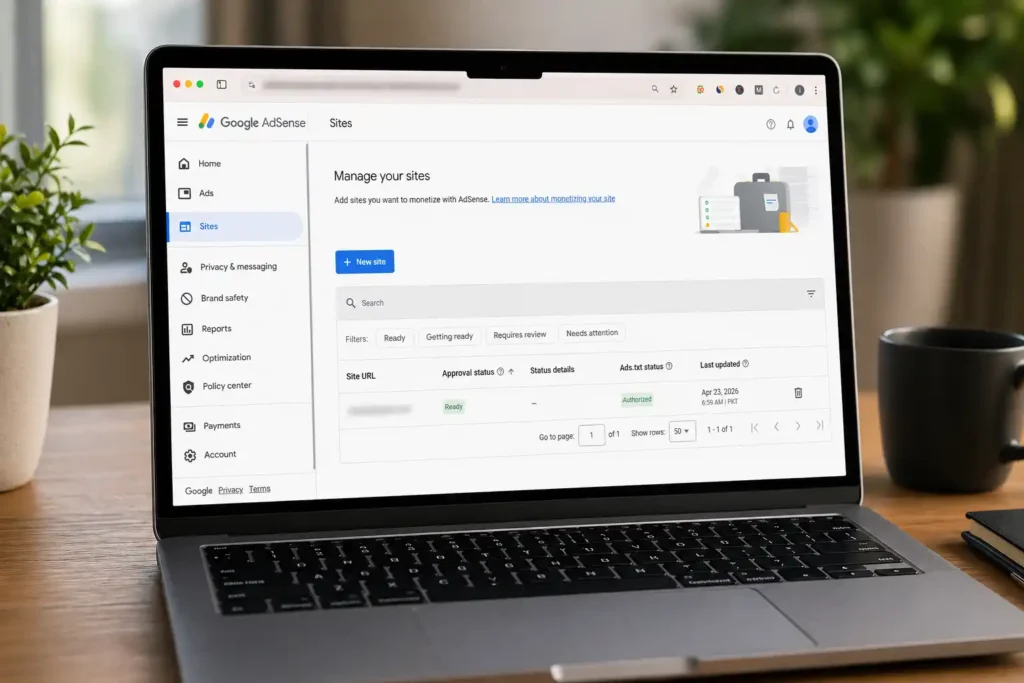
My Situation Before Google Adsense Approval
I had a website generating a decent 500–600 daily visitors. I assumed this was more than enough, so I confidently applied for AdSense. The result?
- Rejected.
- Rejected again.
- Rejected 5–6 times in total.
The stated reason was always the same: Low Value Content
This was incredibly confusing. I already had 10–15 solid blog posts with SEO Optimized content, I had created the basic required pages, and my traffic was healthy. Still, I couldn’t get approved.
That’s when I realized a crucial truth: AdSense is not just about traffic or article count. It’s about trust signals, site structure, and perceived quality.
1. I Fixed My Legal Pages Properly
This was arguably the most important step. Many bloggers create legal pages purely as a formality, leaving them incomplete or unprofessional. I made the same mistake initially.
I took the time to completely overhaul these core pages:
I used ChatGPT to rewrite my drafts professionally. I used the prompt: “Check my content for AdSense approval and rewrite it properly as a formal legal document.” Then, I ensured my real website name, email address, and accurate info were included.
2. I Made Important Pages Visible
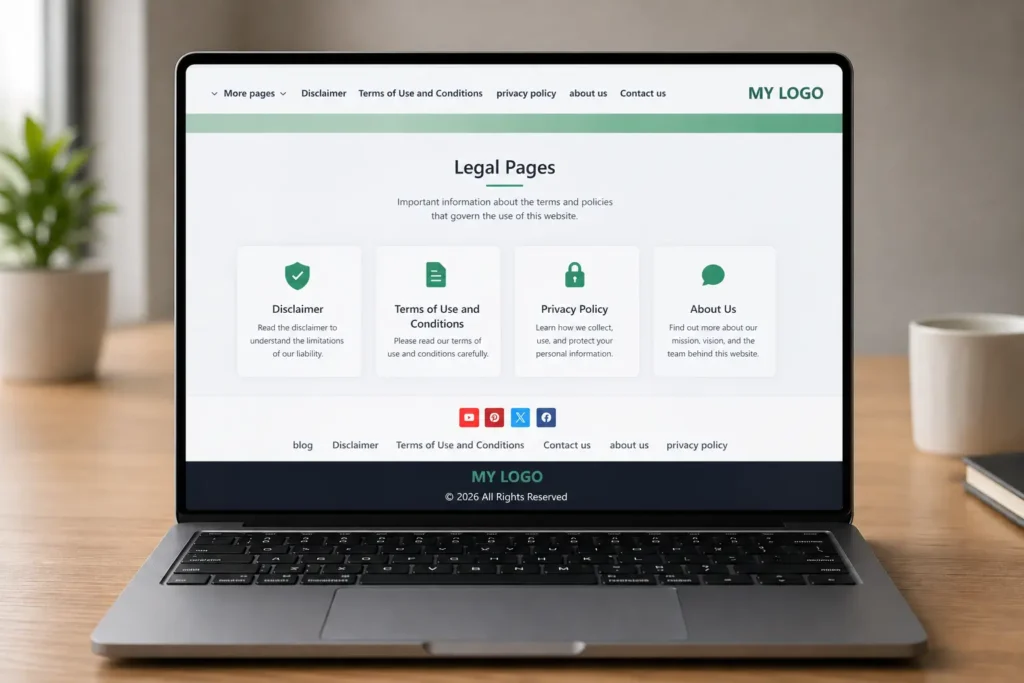
Previously, my legal and about pages were hidden away in a dropdown menu. That was a red flag for reviewers. I fixed this by:
Adding all essential pages directly to the main header menu.
Placing clear text links to them in the website footer.
This helps users trust your website instantly, and it allows Google’s bots (and human reviewers) to navigate your site effortlessly. Your website should look like a legitimate business, not a random, thrown-together blog.
3. I Set Up ads.txt Correctly
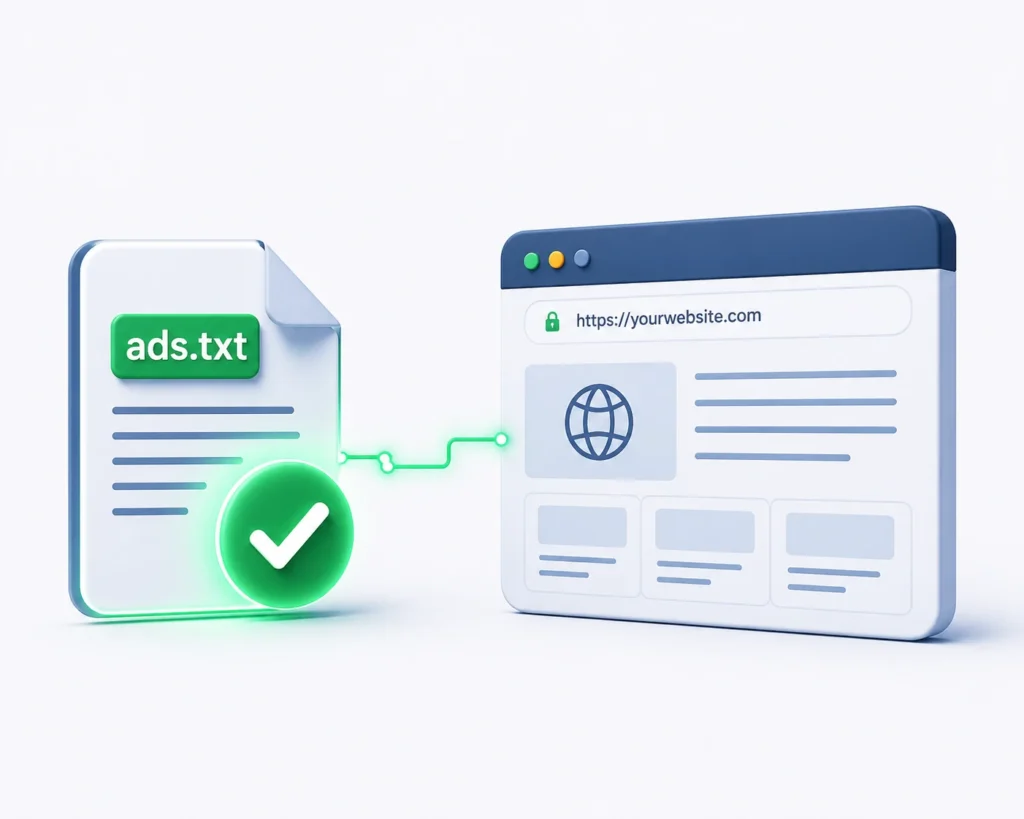
This technical step is often ignored, but it matters. I ensured the `ads.txt` file was properly added to my website’s root folder. This file is a signal to Google that your site is officially authorized to show their ads.
yourdomain.com/ads.txt → Status: 200 OK
I also cleaned up my site’s “ section, removing unnecessary scripts and keeping the code lightweight to improve load times.
4. Added Manual Ad Code
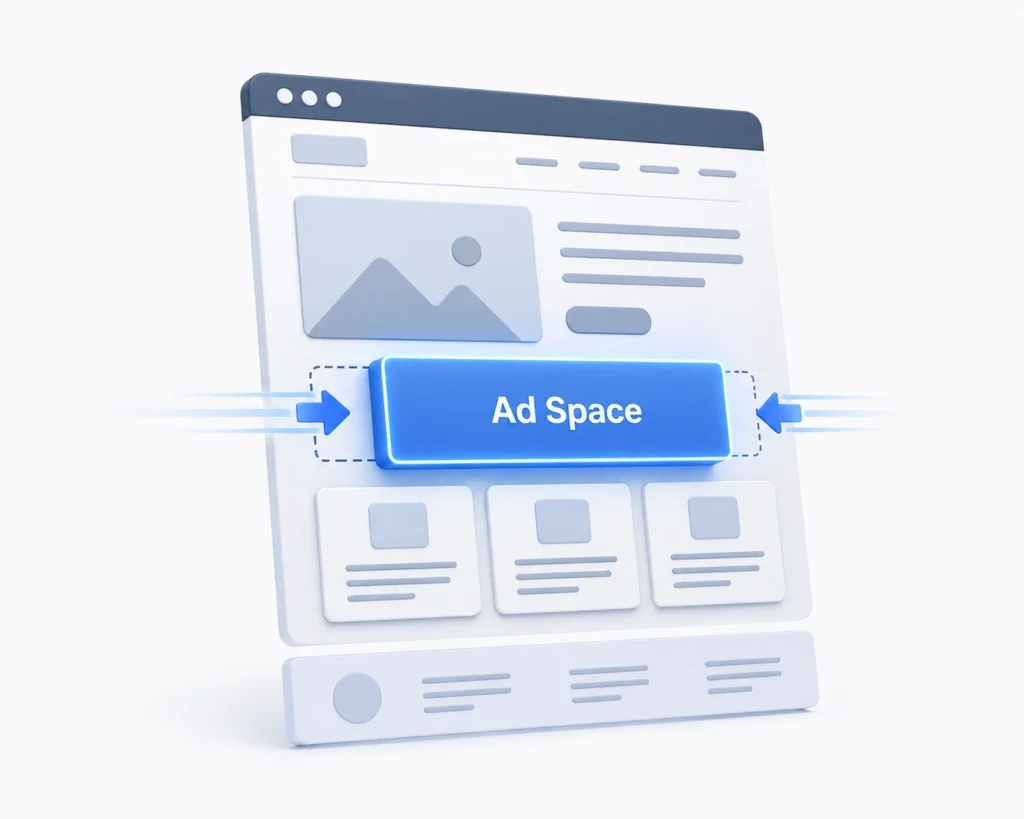
This is a secret many beginners skip. Instead of relying solely on Auto Ads during the review process, I placed a manual ad code snippet on my highest-traffic page using a custom HTML block.
Why this works for google adsense approval : It definitively proves to the reviewers that your site layout is ready to accommodate ads without breaking the user experience. You don’t need ads plastered everywhere—just one well-placed unit is enough.
3. I Set Up ads.txt Correctly
This technical step is often ignored, but it matters. I ensured the `ads.txt` file was properly added to my website’s root folder. This file is a signal to Google that your site is officially authorized to show their ads.
yourdomain.com/ads.txt → Status: 200 OK
I also cleaned up my site’s “ section, removing unnecessary scripts and keeping the code lightweight to improve load times.
What Happened Next?
After making these exact changes, I resubmitted my application.
“AdSense is not about quantity, it’s about quality and trust.”
Final Checklist Before You Apply
Are these steps 100% guaranteed? No method is. But based on my testing, checking these boxes will give you around a 90% chance of success, provided your content is original and non-spammy.
-
Lightning Fast Loading: Optimize your images and use caching.
-
Mobile-Friendly Design: Over 60% of web traffic is mobile. Ensure your text is readable and buttons are tappable.
-
Readability & Originality: Break text into small paragraphs. Never copy content.
Final Words
If you are struggling to get google adsense approval, don’t lose hope. I faced the same demoralizing emails, but small, smart improvements made a massive difference. Think like a user, not just a blogger trying to monetize. Build trust first, and the approval will follow.